
Logging into ShreeWin should be quick and simple. But things go wrong. Users run into OTP delays, forgotten passwords, or pages that refuse to load. These problems are frustrating, especially when you want to access your account right away.
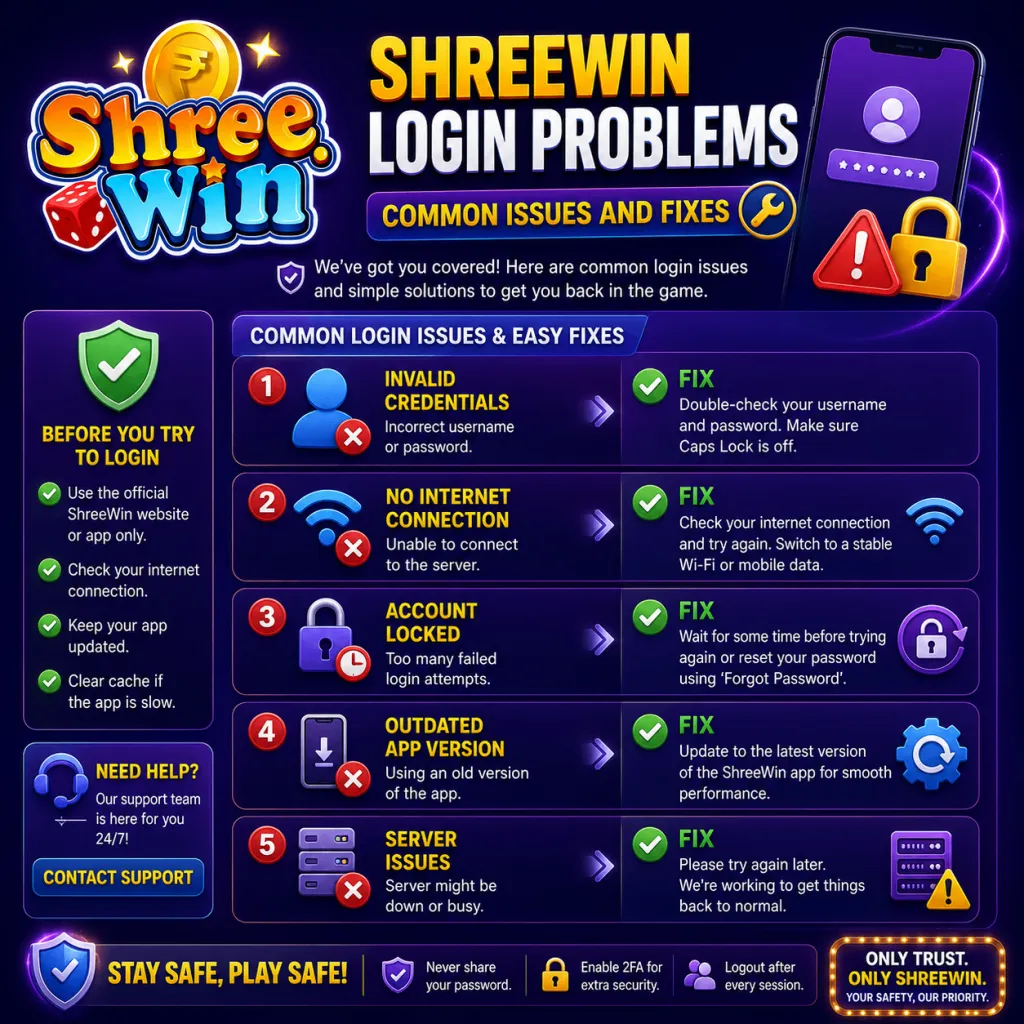
This guide covers the most common ShreeWin login and problems and shows you how to fix them step by step. Whether you are a new user or have been playing for a while, this page helps you get back on track.
Common ShreeWin Login Problems
Most login issues fall into a few clear categories. Here is what users report often:
- OTP not received on mobile or email
- Wrong password entered too many times
- Account due blocked to suspicious activity
- Login page not loading in the browser
- App not opening after entering credentials
Each of these problems has a specific cause and a clear fix. The below sections walk you through every one of them.
OTP Not Received Fix
One of the most reported ShreeWin login problems is the missing OTP. You enter your number, hit send, and nothing arrives.
Here is what to do:
- Wait 60 seconds before requesting a new code. Network delays happens.
- Check your spam or junk folder if the OTP is sent via email.
- Ensure your mobile number is correct in the login field. One wrong digit sends the code elsewhere.
- Switch from Wi-Fi to mobile data or vice versa. A weak connection blocks SMS delivery.
- Restart your phone to refresh the network signal.
- Contact ShreeWin Support if the OTP still does not arrive after three attempts.
Avoid “Resend OTP” in repeatedly under a minute. This floods the system and causes further delays.
Wrong Password Fix
A password wrong error locks you out fast. After failed tries, the system limits further attempts for security.
Follow these steps:
- Double-check for Caps Lock being on or off.
- Retype the password slowly to catch typos.
- Use the “Show Password” eye icon if your device offers one.
- Reset your password through the ShreeWin Account Recovery page if you forgot it.
- Clear your browser cache and try again. Old saved passwords sometimes autofill incorrectly.
If you recently changed your password, make sure you are using the new one. Old passwords stop working immediately after a reset.
Account Blocked Fix
An account block is one of the more serious ShreeWin login problems. The platform blocks accounts for safety reasons, such as multiple failed logins or unusual location access.
Here is how to handle it:
- Try stop to log in for at least 30 minutes. Repeated extend attempts the block.
- Check your registered email for a block notification from ShreeWin.
- Submit a request through ShreeWin Support to review your account status.
- Provide your mobile registered number and username when contacting support.
- Verify your identity by any instructions sent to your email.
Account blocks are temporary in most cases. The support team reviews and lifts them once they confirm the activity legitimate was.
Login Page Not Loading Fix
Sometimes the ShreeWin Login page refuses to load. You see a blank screen, an error message, or endless loading.
Try these fixes:
- Refresh the page with Ctrl + F5 (Windows) or Cmd + Shift + R (Mac).
- Switch browsers. Chrome, Firefox, and Safari handle pages differently.
- Disable browser extensions like ad blockers. Some extensions interferes with login scripts.
- Check your internet connection. Run a speed test or open another website.
- Use incognito or private mode to bypass cache and cookies.
- Try the mobile app instead of the browser if the page stays down.
Server maintenance also causes temporary downtime. In that case, waiting 10 to 15 minutes usually resolve the issue.
App Not Opening After Login Fix
You enter your details, tap login, and the app freezes or crashes. This is a common app-level issue.
Here is how to fix it:
- Force close the app and reopen it.
- Restart your phone to clear background processes.
- Update the app to the latest version through the official ShreeWin App Download page.
- Clear the app cache from your phone settings.
- Uninstall and reinstall the app if the problem continues.
- Check your phone storage. Low storage causes apps to crash.
Make sure downloaded the app from the official source. Third-party APK files often cause login failures and security risks.
How to Avoid Login Problems
Prevention is better than fixing. Follow these habits to avoid ShreeWin login problems in the future:
- Save your password in a secure password manager.
- Keep your mobile registered number active and updated in your profile.
- Update the app whenever a new version is released.
- Use the stable internet connection before logging in.
- Do not share your login details with anyone.
- Log out from shared or public devices after every session.
New users should complete the ShreeWin Register process carefully. Entering the mobile wrong number or email registration during causes login issues later. Use invite code 88u7k9p2m4 during signup to ensure your account is linked correctly.
Frequently Asked Questions
Why am I not receiving the ShreeWin OTP?
Network congestion, incorrect mobile numbers, or SMS filtering cause OTP delays. Wait one minute, check your number, and switch networks if needed.
How many password wrong attempts are allowed?
The system allows a limited number of tries before locking the account temporarily. Use the account recovery page to reset your password instead of guessing.
Can I log in from multiple devices at once?
ShreeWin limits simultaneous logins for security. Logging in from a new device logs you out from the previous one.
What should I do if my account is permanently blocked?
Contact ShreeWin Support with your account details. The team reviews permanent blocks on a case-by-case basis.
Is the ShreeWin app better than the browser for login?
The app offers a smoother experience and fewer loading issues. Download it from the official page for the best results.
Final Words
ShreeWin login problems are common but easy to fix once you know the cause. OTP delays, password errors, account blocks, and app crashes all have clear solutions. Follow the steps in this guide to troubleshoot each issue.
Always use official links like ShreeWin Login and ShreeWin App Download to stay safe. Keep your credentials private, update your app regularly, and contact support when needed.
Disclaimer: This guide is for informational purposes only. ShreeWin’s platform policies and technical features are subject to change. For the most accurate and up-to-date assistance, contact ShreeWin’s official support team directly.